
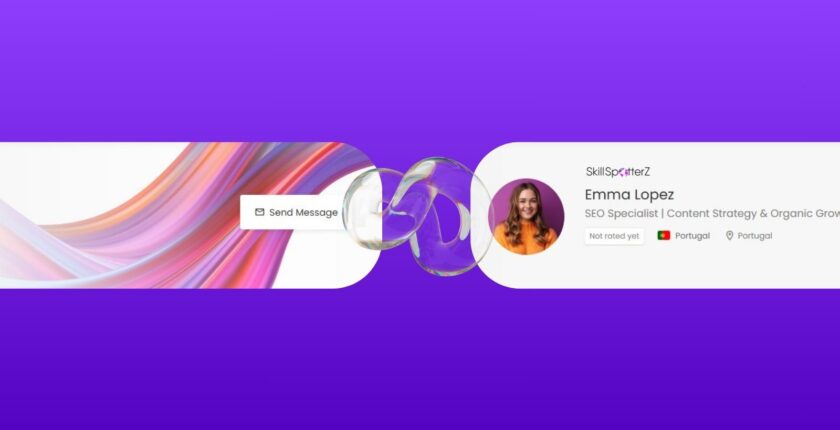
How to Create a Profile That Gets You Attention From Employers?
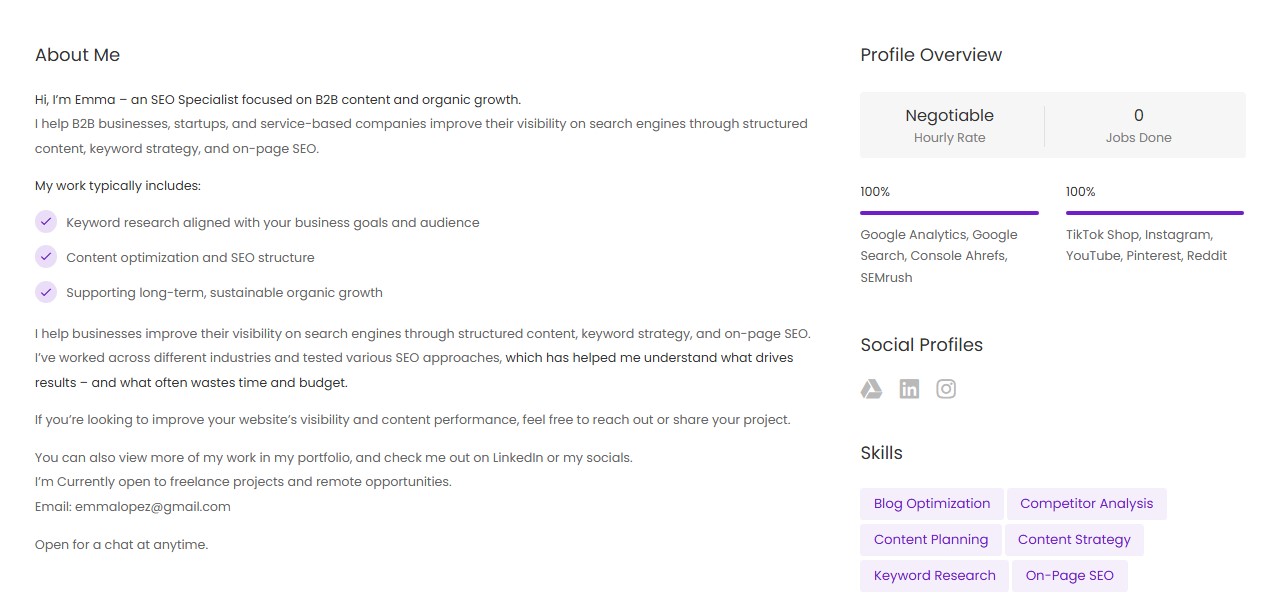
This Is What a Strong Profile Looks Like →
☆You get More Views from serious employers and clients
☆You get Featured by SkillSpotterZ (show up first in the search)
☆Your Profile Works For You – even without applying to jobs- you pitch right away!

Don’t Forget →
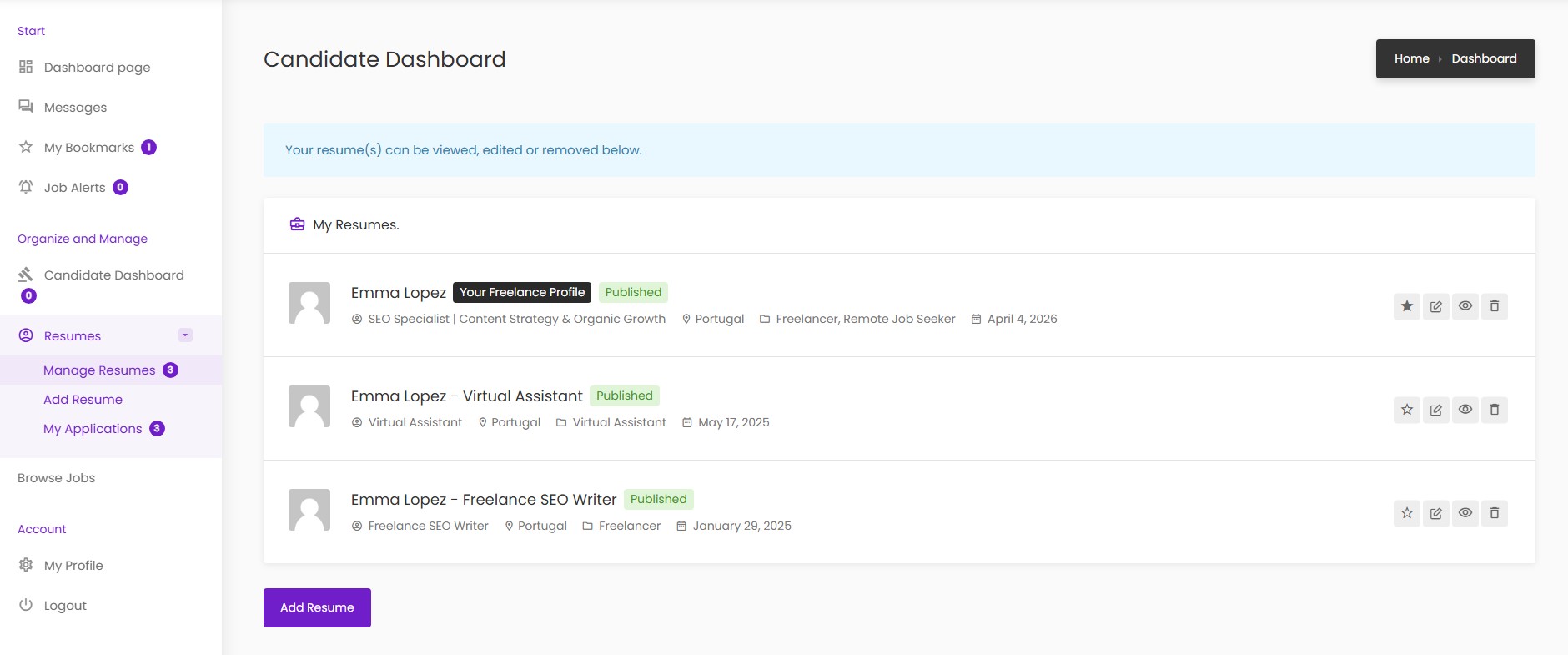
You Can Create Multiple Resume Profiles Under One Account
This helps you apply to different types of roles, with the same one profile, but different resumes.
Copy This Structure To Make Your Profile Strong →
Professional (Job) Title.
→ When someone reads your title, they should understand your value.
→ Be specific. Don’t just write “SEO Specialist” – say what you actually do, the industry you help, or the specific specialty.
Location.
→ Add your City + Country
→ No need to add your full address
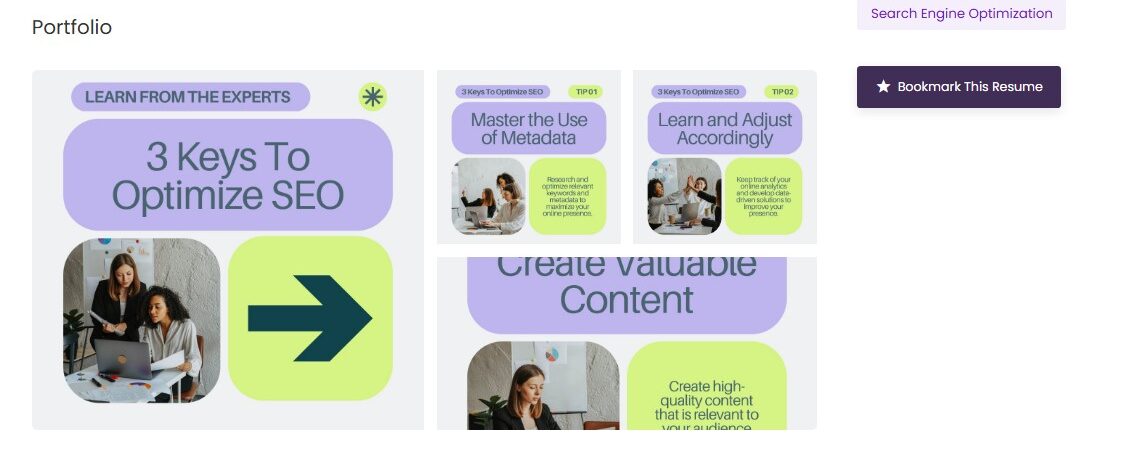
Gallery.
You can attach:
→ Projects you worked on
→ Designs or visuals, posts
→ Resume snapshot
→ Tips or insights (to show expertise)
Resume Category.
Select what applies to you, the work you are looking for:
→ Freelancer
→ Virtual Assistant
→ Remote Job Seeker
Resume Content → This is your About section = Pitch.
→ Keep it: Clear, Easy to scan, Straight to the point
→ Include: What you do, Who you help, How you help, What you focus on / what makes you different, What you’re looking for (type of work, timezone, availability, etc.), A clear call to action (how to contact you; where else they can find you; mentoin your portfolio)
→ You can use AI to help you write, but always rewrite it to sound like you and be truthful.
Human-to-human communication always wins. Be different, sound different.
Skills.
→ Keep it focused (max 10 skills)
→ Only include what’s most important
→ Think: what skills actually help you do your job well
Social Links ☆ Very Important ☆
→ Add: LinkedIn, Portfolio, Website, Google Drive, GitHub / GitLab, Instagram (if relevant professionally)
→ This helps employers: Verify your work and digital presence, Contact you outside the platform
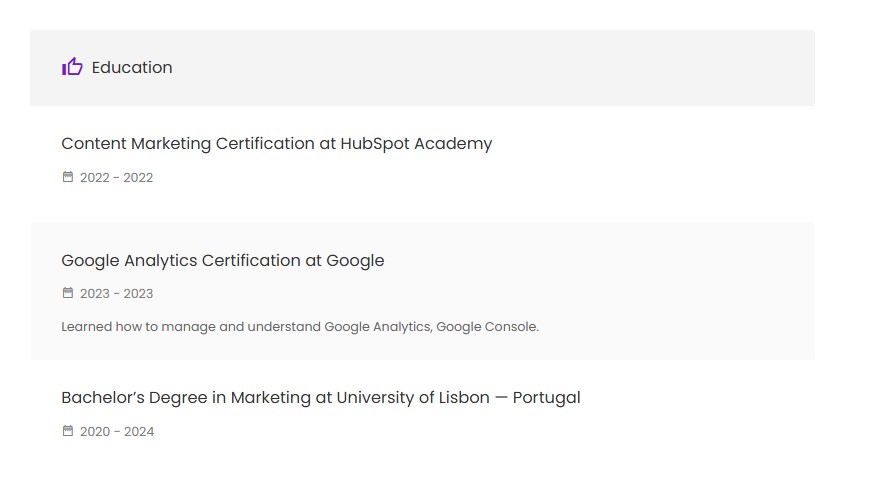
Education.
→ Add: Degrees, Certifications, Courses, Trainings
→ Only what’s relevant and useful to what you do/offer
Competency Bars.
→ Use this to show: Tools, Platforms, Software you use
→ This: Shows real experience, Builds trust quickly
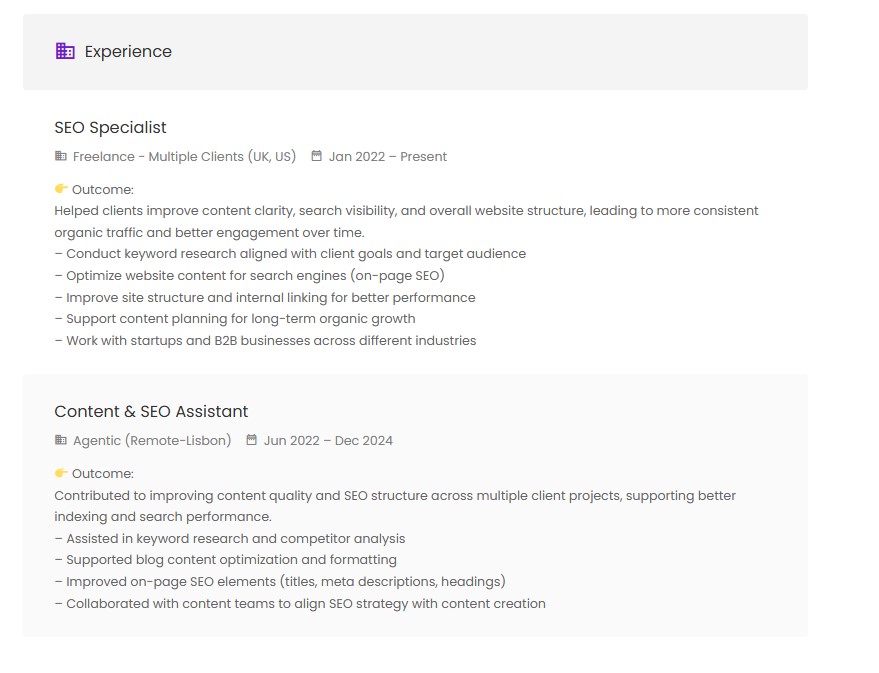
Experience.
→ You don’t need long descriptions.
→ Instead, focus on: What you did, Who you worked with, What problem you solved, What was the outcome
→ If possible: Mention industries or type of clients, add results (or outcomes if no numbers)
→ If you already have a portfolio, you can reuse content from there
Profile Photo.
→ You don’t need a perfect photo.
→ Just: Look clean, professional, inviting (smile), Use natural light (near a window), Simple background, Neutral clothing
☆Don’t overthink it.
☆ Set up a timer for 10 minutes, start editing your profile with no stops.
☆ Don’t try to be perfect; you will improve with time.
We’ll see you inside!
And if you need assistance or have questions, email us at support@skillspotterz.com
